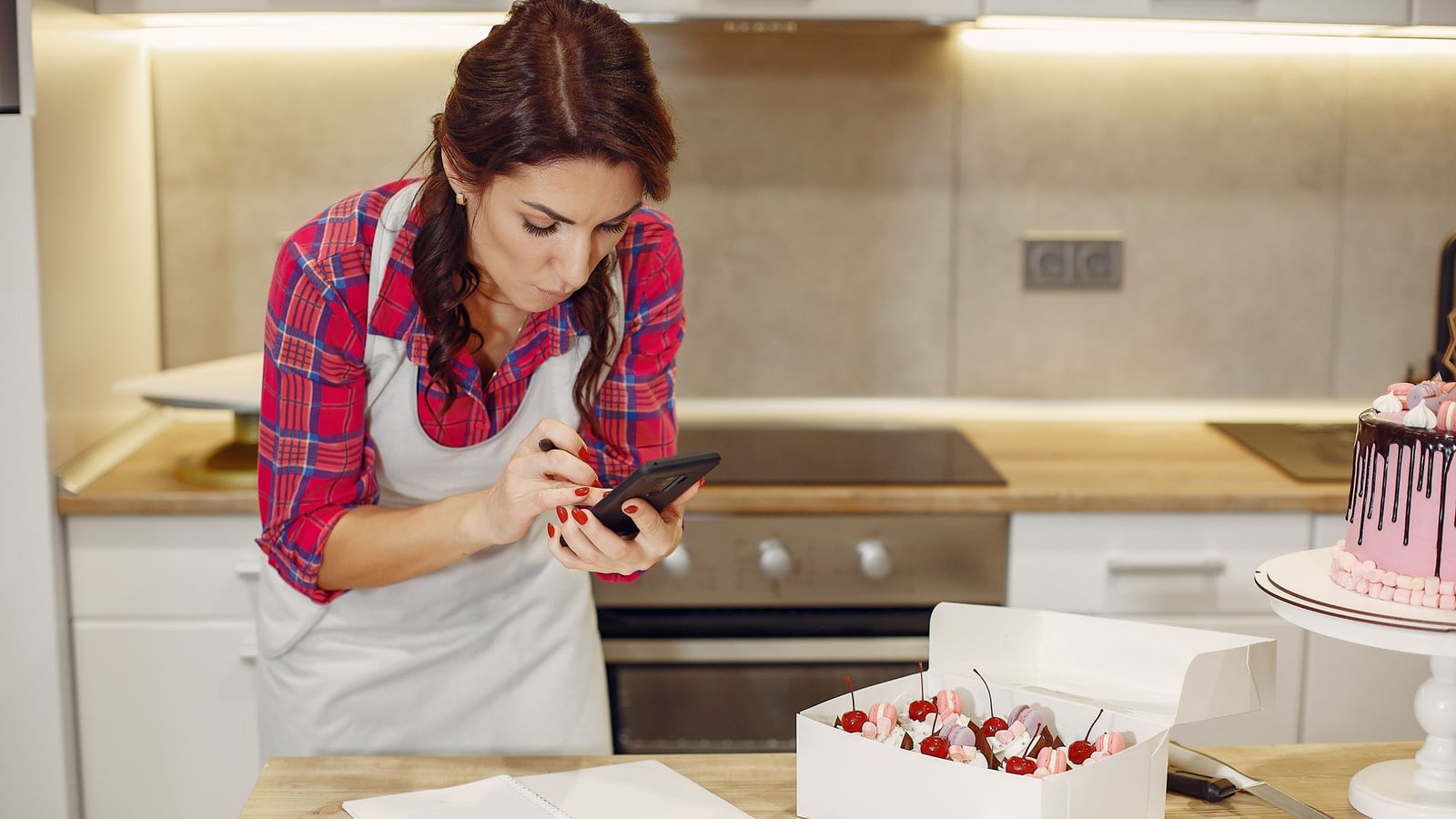
How to sell baked goods online from home
Skip complex websites. Use a simple link-in-bio store to take pre-orders and deposits for holiday baking.
Utilica6 min read

You can sell baked goods online without building a website or learning coding software. The fastest way is to use a link in bio store that lets customers order and pay directly through apps they already trust, like Venmo or Cash App.
This method works best for seasonal bakers, custom cake orders, and home kitchens with limited inventory. You avoid the high monthly fees of major e-commerce platforms and the confusion of setting up payment gateways. Instead, you focus on baking while your digital storefront handles the money and details.
Why skip full e-commerce platforms?
Most small home bakeries do not need a robust shopping cart system with shipping calculators and tax integrations. These tools are designed for sellers who ship thousands of items nationwide. If you are selling pies for Thanksgiving or cookies for Christmas locally, that complexity slows you down.
Full platforms often charge transaction fees on every sale. For low-margin items like flour and sugar, these fees eat into your profit. A simpler approach keeps more money in your pocket.
Using a direct-payment model means:
- Lower costs: No monthly subscription if you stay on a free plan.
- Faster setup: You can be live in minutes, not days.
- Customer comfort: People prefer paying via Venmo or Cash App over entering credit card numbers on unknown sites.
Setting up your digital storefront
Your first step is creating a single page that lists what you are selling. This is not just a menu; it is a checkout page. Customers add items, see the total, and pay you immediately.
Step 1: List your products clearly
Don’t just write “Cookies.” Be specific so people know exactly what they are buying.
- Item Name: Chocolate Chip Cookies (Dozen)
- Price: $24.00
- Description: Baked fresh day-of-pickup. Contains nuts.
- Image: A clear photo of the actual product.
If you offer sizes, list them as separate options. If you have a limit on how many you can bake, set an inventory cap so you don’t oversell.
Step 2: Choose your payment methods
Connect the apps your customers already use. Utilica supports Cash App, Venmo, PayPal, and Zelle. When a customer clicks "Pay," the amount is filled in automatically. They confirm the payment in their app, and you get notified.
There is no fee charged by us on these payments. You receive the exact amount the customer paid.
Step 3: Define pickup or delivery rules
Since you are working from home, logistics matter. Add a text block on your page explaining:
- Where pickup happens (e.g., front porch, driveway).
- Pickup times (e.g., Friday between 4 PM and 6 PM).
- Delivery zones and fees, if applicable.
Clear instructions reduce back-and-forth messages.
Taking deposits for custom orders
Holiday baking brings large custom orders, like wedding cakes or corporate gift boxes. These require significant upfront costs for ingredients and time. You should never start baking until you are paid.
Use booking deposits to secure the order. When a client books a slot for a custom item, they pay a deposit right away. This holds their place in your schedule and covers your initial material costs.
How to structure deposits
For a $150 custom cake, ask for a 50% deposit ($75). The remaining balance is due before pickup.
With Utilica, you can set this up easily:
- Create a service called "Custom Cake Order."
- Set the price to $150.
- Enable deposits and choose "50%."
- Share the link.
When someone books, they pay the $75 deposit via their preferred app. The time is booked and paid up front. You send a reminder email before the pickup date to collect the rest.
Managing orders without chaos
The biggest risk of home baking is losing track of who ordered what. Screenshots of DMs and handwritten notes fail during busy seasons.
A central dashboard solves this. Every order is numbered and tracked. You can see:
- Who ordered.
- What they bought.
- How much they paid.
- When they need to pick up.
If you sell out of a specific item mid-season, you can mark it as unavailable instantly. New customers won’t be able to order it, preventing disappointment.
Marketing your link
Once your store is live, you need to drive traffic to it. Since you likely don’t have a big advertising budget, rely on social proof and direct links.
Put the link everywhere
Add your store URL to your Instagram bio, Facebook profile, and TikTok description. Don’t make people search for it. Use a free short link if the URL is long, making it easier to type or remember.
Use QR codes for local visibility
If you visit farmers markets or community events, bring printed materials. A dynamic QR code points to your store. You can change where it goes if you update your menu, but the printed code stays the same.
Place a sign at your booth: "Scan to order ahead." This captures customers who want to buy now but don’t want to carry heavy boxes around all day.
Engage with existing customers
After an order is complete, ask for a review or a photo. Post these on your social media. Seeing other people enjoy your brownies encourages new followers to click your link.
Pricing your baked goods correctly
Home bakers often underprice their work. Remember that your price must cover:
- Ingredients.
- Packaging (boxes, ribbons, labels).
- Electricity and gas.
- Your labor.
If you spend two hours decorating cookies, that time has value. Calculate your cost per unit and add a profit margin. Don’t compete with factory-made prices; compete on quality and convenience.
Be transparent about pricing. Hidden fees cause friction. If there is a delivery charge, state it clearly on the product page.
Scaling up safely
As demand grows, you might hit capacity limits. You cannot bake ten thousand cookies in a home kitchen. It’s okay to say no to extra orders.
Set a weekly cap on orders. Once you reach it, close the shop for the week. This protects your sanity and ensures quality.
If you consistently sell out, consider raising prices slightly. Higher prices filter out bargain hunters and attract customers who value premium, handmade goods.
You can also expand your product line. If you started with cookies, try pies or breads. Update your onboarding flow to include these new items. One link allows customers to view everything and pay in one go.
Questions people ask
Do I need a business license to sell from home?
Laws vary by city and state. Many places have "cottage food laws" that allow selling certain non-hazardous foods (like baked goods) from home without a commercial kitchen. Check your local health department’s website for specific rules. Some areas require a permit or registration even for small-scale sales.
Can customers pay with credit cards?
Yes. While Venmo and Cash App are popular, some customers prefer cards. Utilica allows you to accept card payments through Stripe. There is a processing fee for card transactions, which is higher than using direct payment apps. You can offer both options and let the customer choose.
How do I handle refunds?
Define your policy clearly on your store page. For perishable goods, refunds are usually only issued if the product arrives damaged or was incorrect. If a customer changes their mind, you may not be able to resell the item. State this upfront to avoid disputes. For deposits on custom orders, clarify if they are refundable if canceled within a certain timeframe.
Is it safe to share my home address?
Never put your personal home address on a public website. Use a PO Box for mail or specify a neutral pickup location, such as a grocery store parking lot or a police station lobby. If you deliver, meet the customer at the door briefly rather than inviting them inside. Protect your privacy while serving your customers.